Since many want informations about themng afterall one of the best we love in Linux is our unique desktop.
So we add icon set,cursors and themes we use and link to download.
Me as a lazy penguin i use the XFCE theme manager but you can always do that manually if you love your terminal :)
for the rest ,you know the drill open the terminal and make magic.
sudo add-apt-repository ppa:rebuntu16/other-stuff
sudo apt-get update
sudo apt-get install xfce-theme-manager
Once installed, the application should show up in the Xfce Settings Manager.
Download your favorite icon theme or cursors. In xfce make a directory in your home .icons and one directory .themes and unzip the files
(* some have the own installation ex Faeza just unzip in temporary directory and run the ,/INSTALL)
One of the popular themes
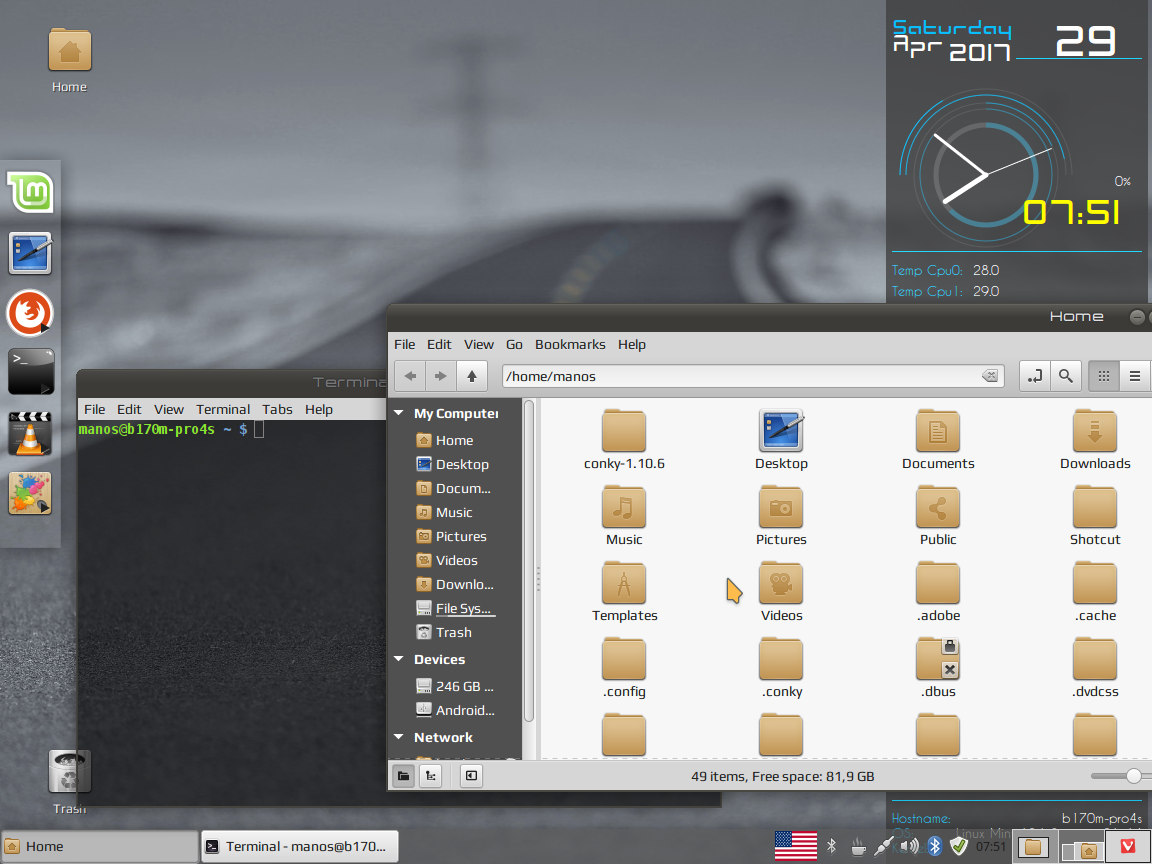
Download Faeza Theme
Numix
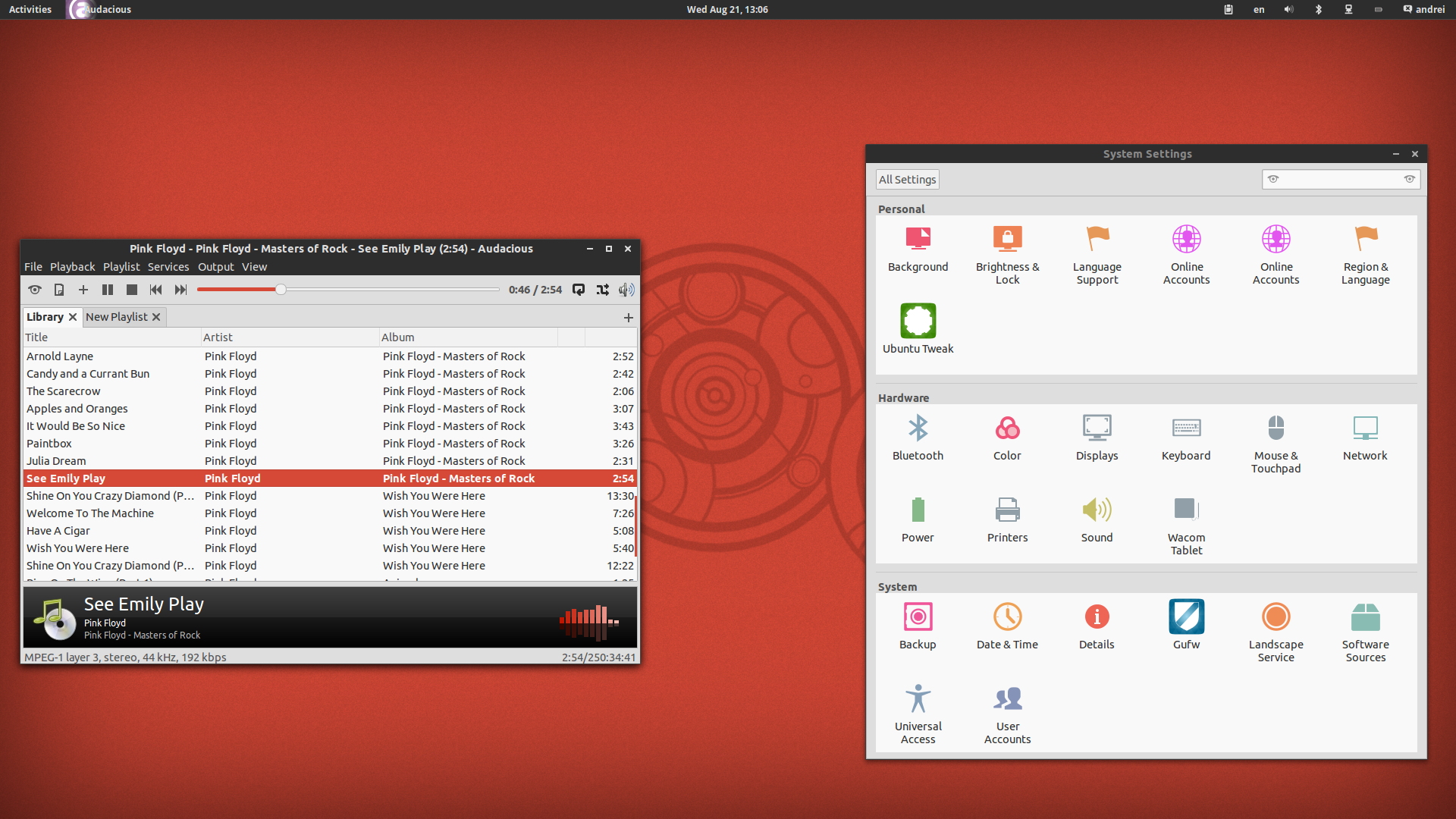
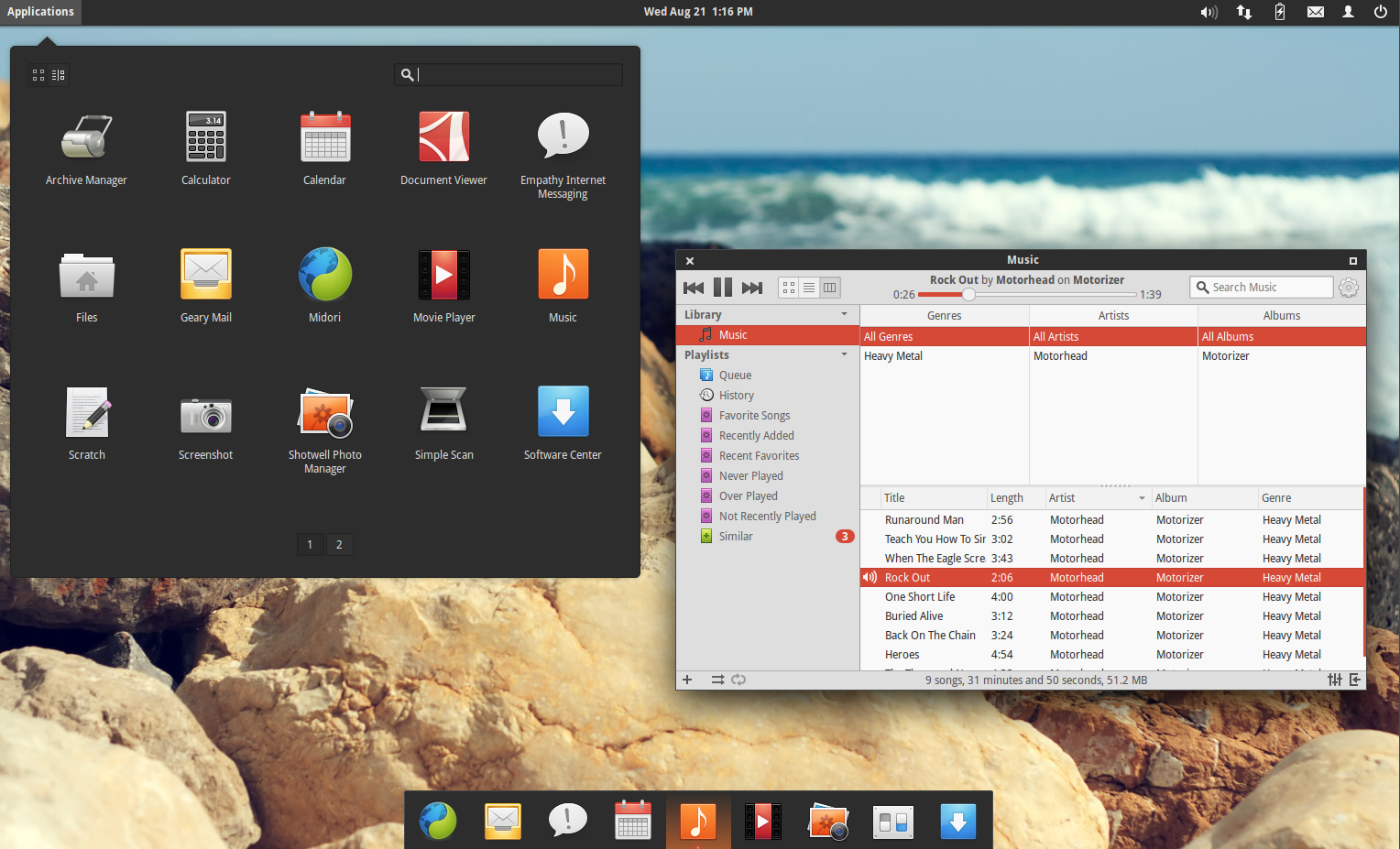
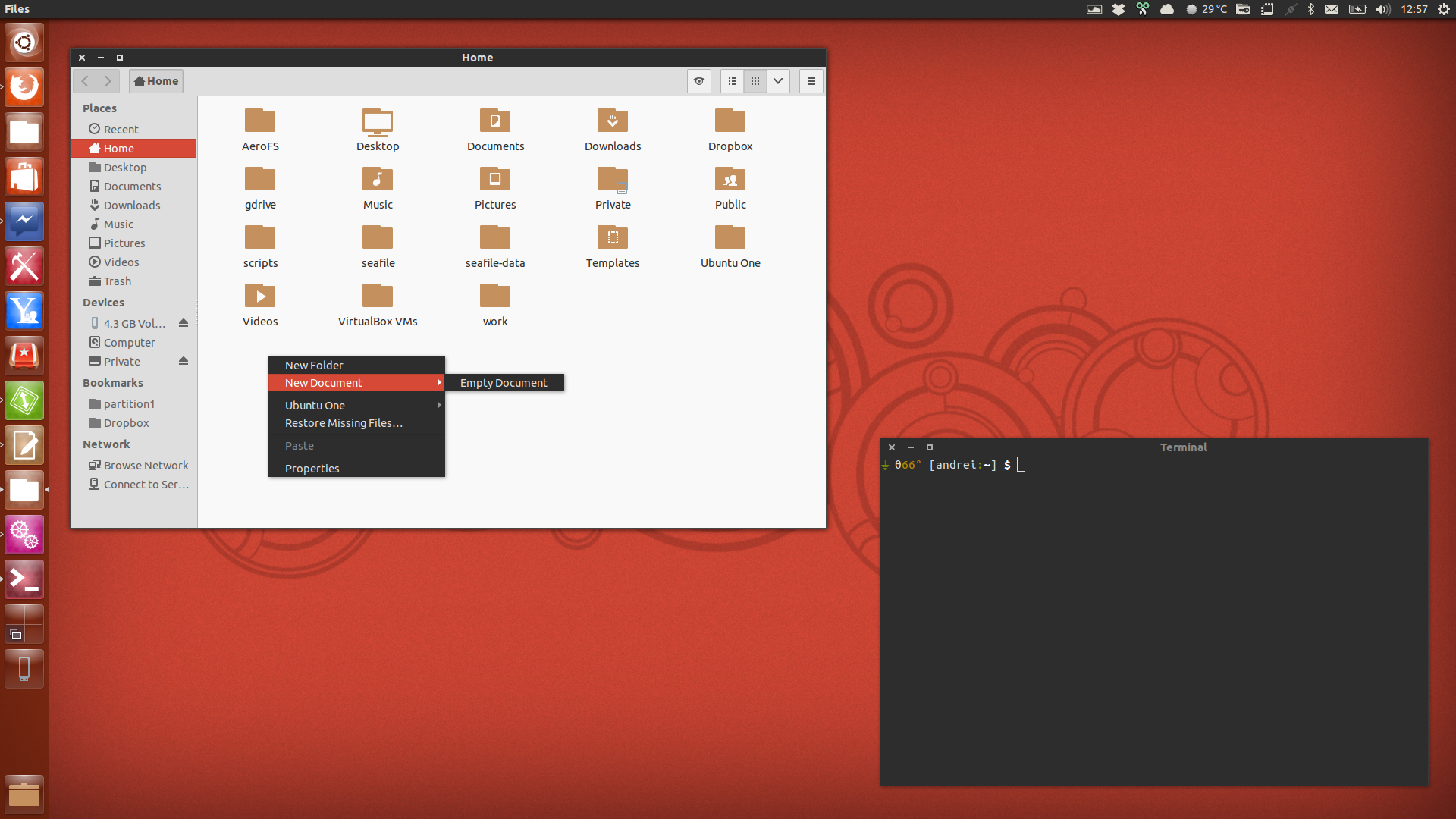
sudo add-apt-repository ppa:numix/ppa
sudo apt-get update
sudo apt-get install numix-gtk-theme
Pointers




Download Oxygen Neon
Download AlkanoBG
Download BMZ
Download Amber Breeze
More to come....